maps, Maps, MAPS!
Over the last five years I’ve got into the habit of preparing the maps for my tabletop roleplaying sessions. Sometimes I take ready-made maps, like the ones from Forgotten Adventures or Tom Cartos, and other times I make them myself. Over those years I’ve used, and still use, a bit of everything. From Photoshop to Clip Studio Paint, by way of Dungeondraft, DungeonFog, or what I’ve been using lately, Inkarnate. I pay for several Patreon accounts, like TC Modern’s and, at the time, Forgotten Adventures’, and I use their maps or build my own with their tokens.
Inkarnate is online software that lets you create maps easily. Or rather, more easily than with Photoshop. The results are pretty good and I’ve been working with it these past few months. Inkarnate has one extra advantage: it comes with a set of drawings, or tokens, that are wonderful both for fantasy city maps and for fantasy, science fiction or cyberpunk battlemaps. But it has a problem: it has no modern tokens, that is, tokens for making battlemaps for games set in the present day. Luckily there’s a way around this, which is that if you’re a Premium user you can upload your own tokens. Unfortunately that’s where the good news ends, because Inkarnate has no API for uploading them automatically, and the way you create styles and catalogs and upload tokens is, let’s say, very manual and very, very slow. I know this first-hand: I tried to upload a few TC Modern packs and nearly went out of my mind with boredom. It’s slow, error-prone, and on top of that the system sometimes doesn’t work and it isn’t clear why. A first world problem, basically. Luckily I had some time this morning, so I set about working on a couple of programs to help me solve it.
The first thing I wanted was to be able to extract the tokens from Tom Cartos’ Dungeondraft packs. Why? As a Patreon subscriber I could download zips with the PNG files, but I also wanted the tags Tom Cartos uses in Dungeondraft. So what I did was study how EightBitz’s Dungeondraft Tools does it, which has a Visual Studio tool for extracting data. Reading the code, I learned that it uses a variant of Godot Engine’s packaging method, so I put together a command-line program based on Rust that can unpack entire Dungeondraft packs. Could I have used EightBitz’s? Well, yes, but I had maaany packs to extract and I wanted to learn. And after a couple of hours I had the solution in a repo, which I’ll leave here in case you want to use it: Reverse-engineered documentation of the Dungeondraft file formats
But that was only part of the problem. The other part is maybe harder, and it has to do with how to upload the extracted images to Inkarnate. I have little time and less patience for repetitive tasks and, besides, I’ve spent many, many years wrestling with computers. So I put my old web scraping knowledge and my newer e2e testing knowledge to use and wrote a series of scripts to navigate the Inkarnate site, first creating folders and then uploading the assets, or tokens. I don’t want to bore you too much with the details, but if you’re interested you can take a look at: dungeon-draft-rust-tools/scripts at main
And now you’ll ask me: how did it turn out? Well, here’s a dump of how it ended up after running everything:
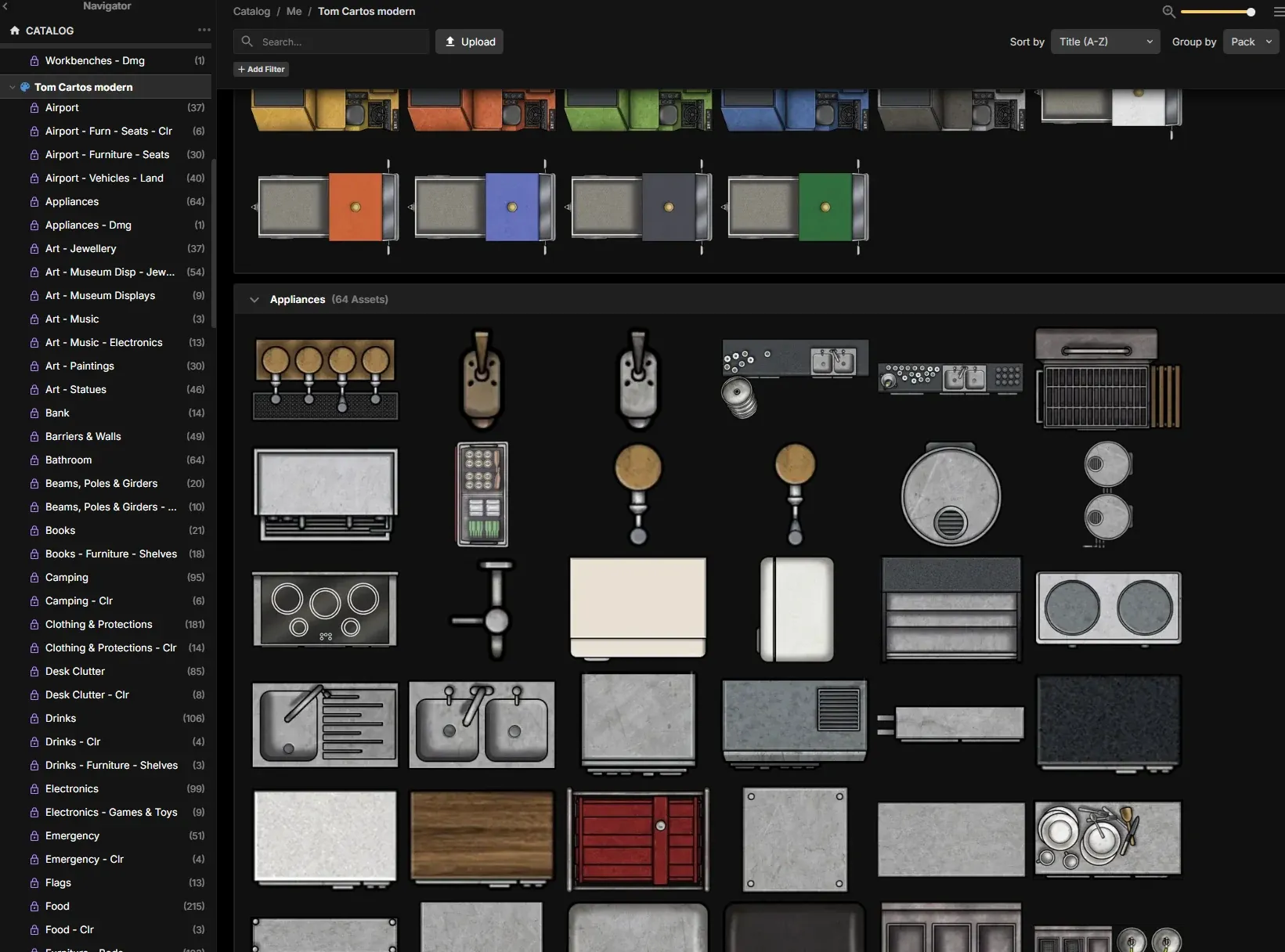
Not bad, right? And now maybe you can see what I meant about doing it by hand. Imagine creating dozens of folders, subfolders and the rest, and uploading every image one by one. Exhausting. But the result is good and I’m happy with it. It’s also let me make a start on the map, of which I have 3 rooms so far:
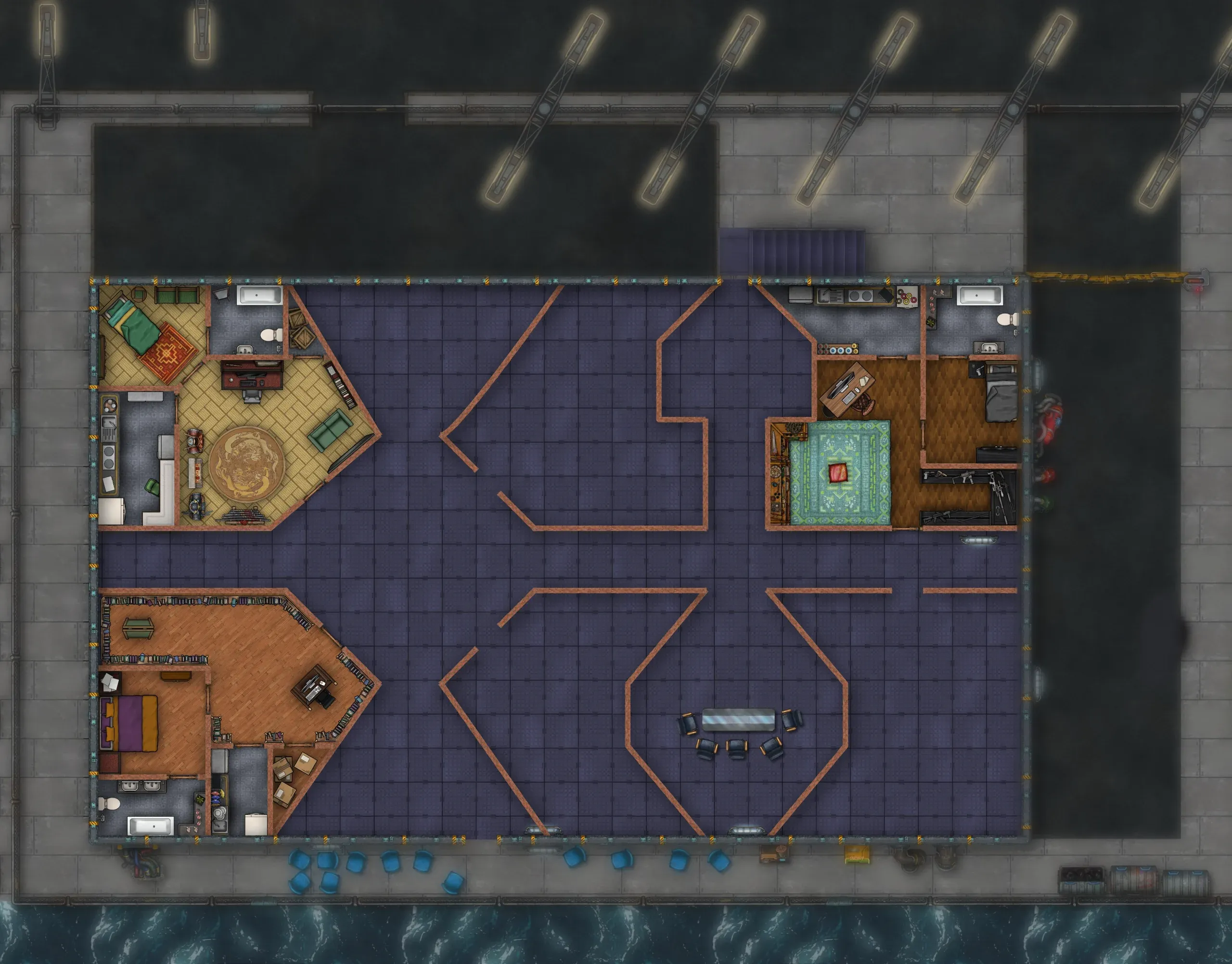
So I can’t complain.
Now, on to prepping this afternoon’s Alzarreyes session, which I’m running — and if I’m not careful it’s going to be a massacre, though I don’t know whether of my players or of the game’s NPCs.
We’ll see.